
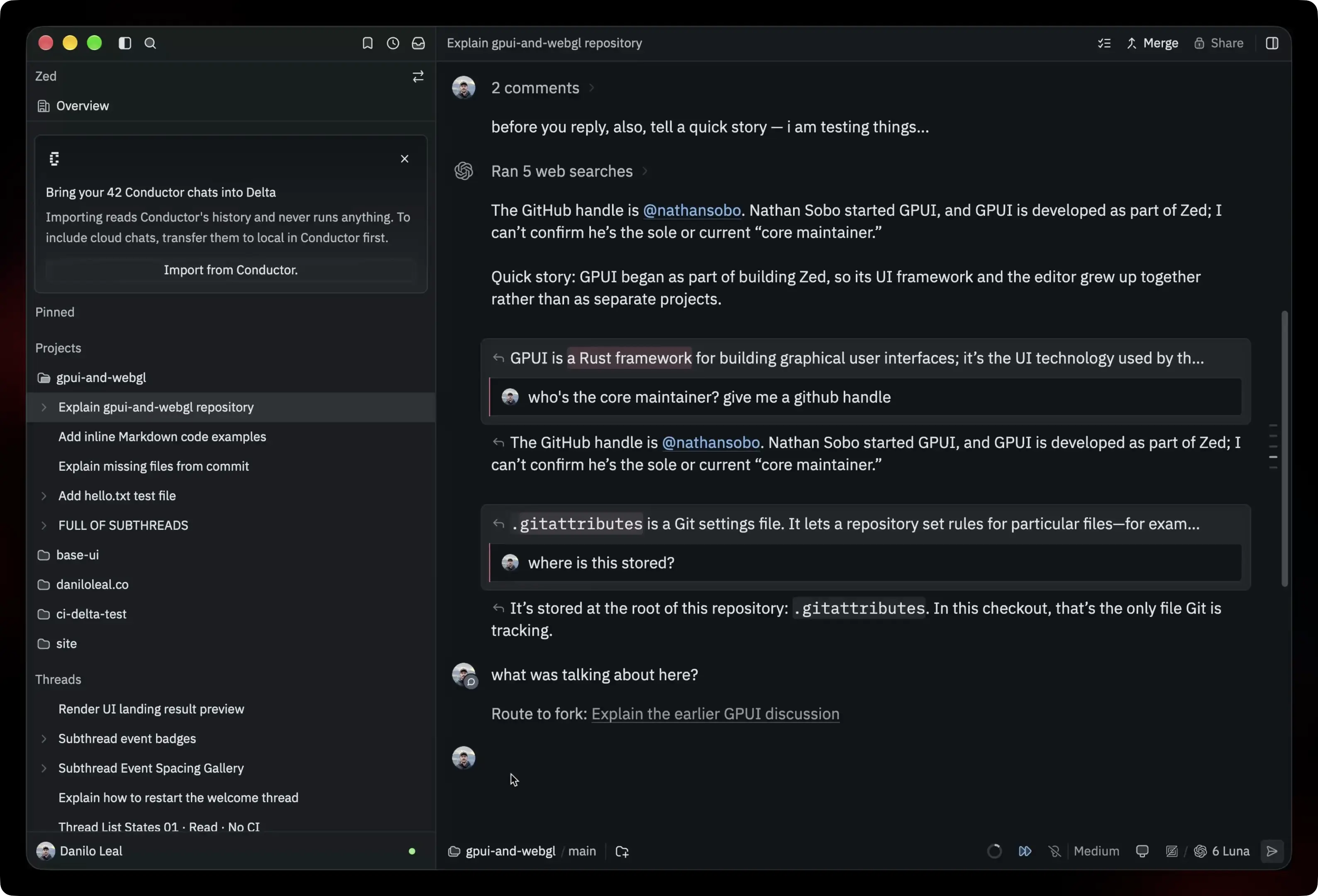
Last week, the Conductor team announced that they’re joining Meta and winding down Conductor. If you’re looking for a new home for your agent work, we made it easy to import your chats into Delta.
Your agentic sessions contain the choice you made behind the code, and you shouldn’t have to lose that juicy context because your tools change. Delta gives those conversations a new home, next to the work you do next.
Conductor Cloud says they’ll stop accepting new messages on November 13 and shut down on November 20, when data deletion begins.
How to import
- Move Cloud workspaces to your computer. In Conductor, right-click each Cloud workspace and choose Transfer to local. Do this before November 20. If your chats are already local, skip this step.
- Download and open Delta. Sign in and set up your provider of choice.
- Choose Delta → Import Conductor Chats from the menu bar. You can also click Import in the sidebar prompt when Delta detects your Conductor chats.
Your chats appear as private threads with the Conductor tag, initially without a project. You can organize them into projects yourself or click Organize with Delta after importing to have an agent sort them for you.
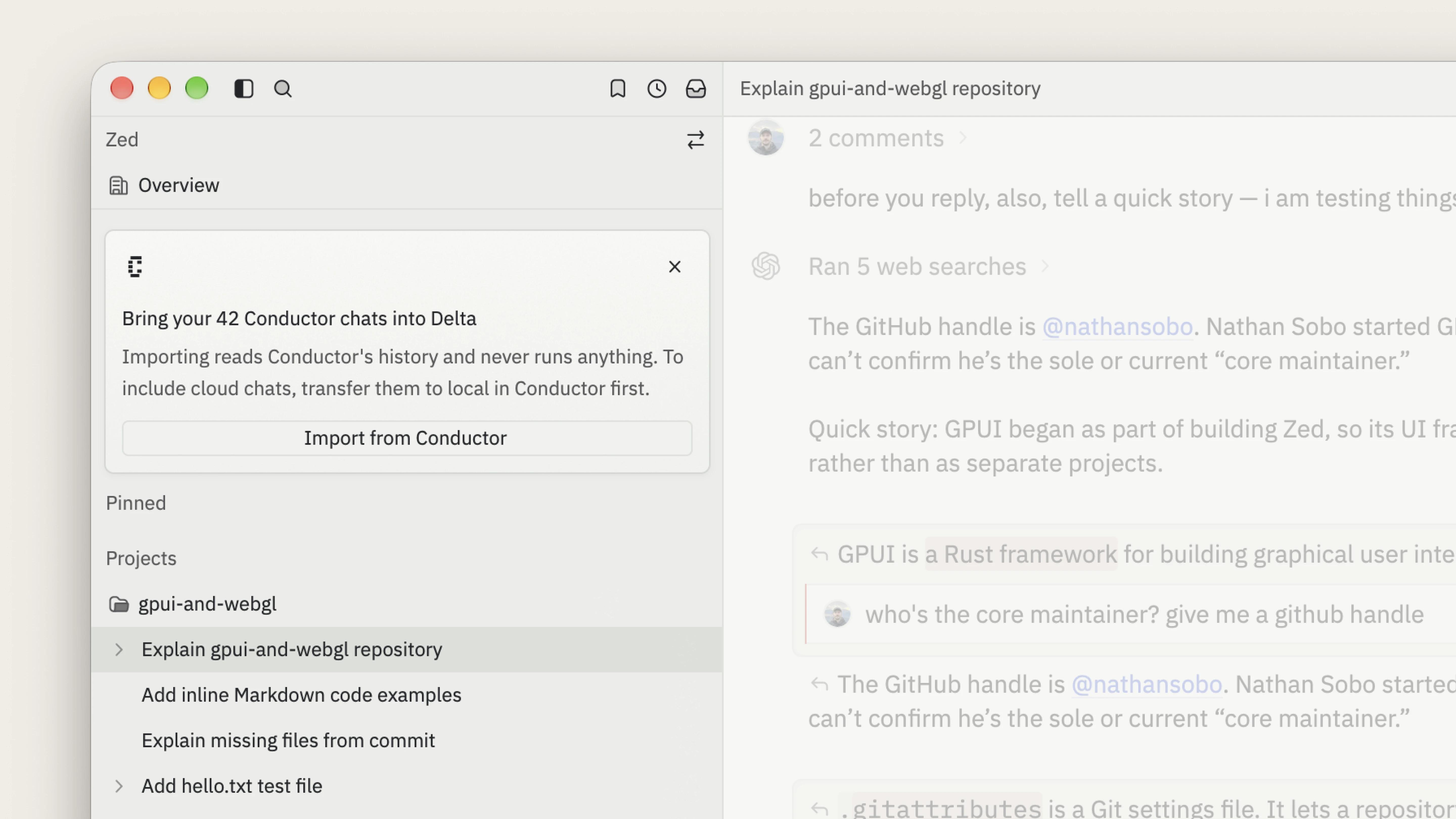
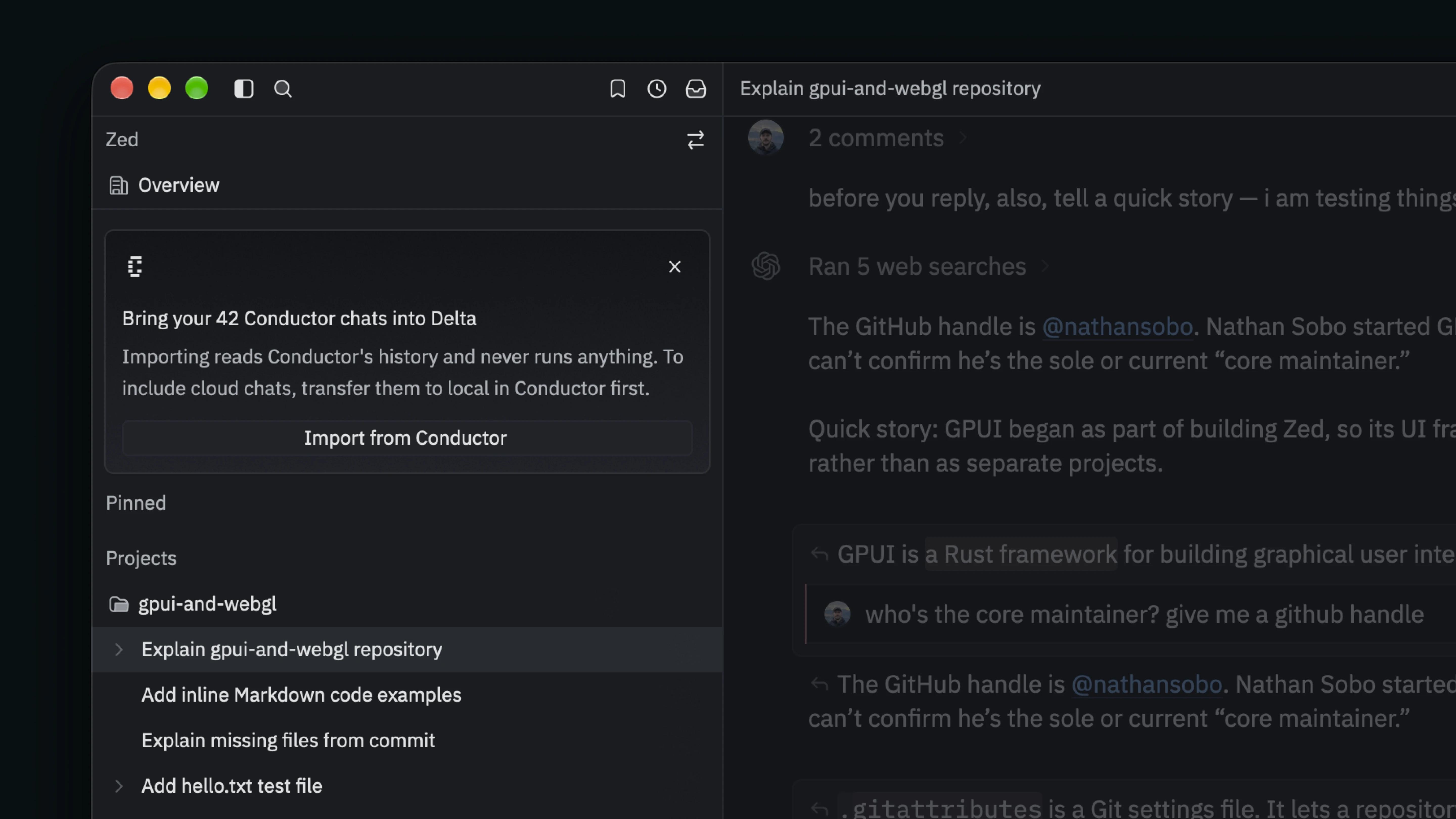
Our importer brings over your conversations, not complete workspaces. To keep everything, including files and attachments, you should also export a backup from Conductor.
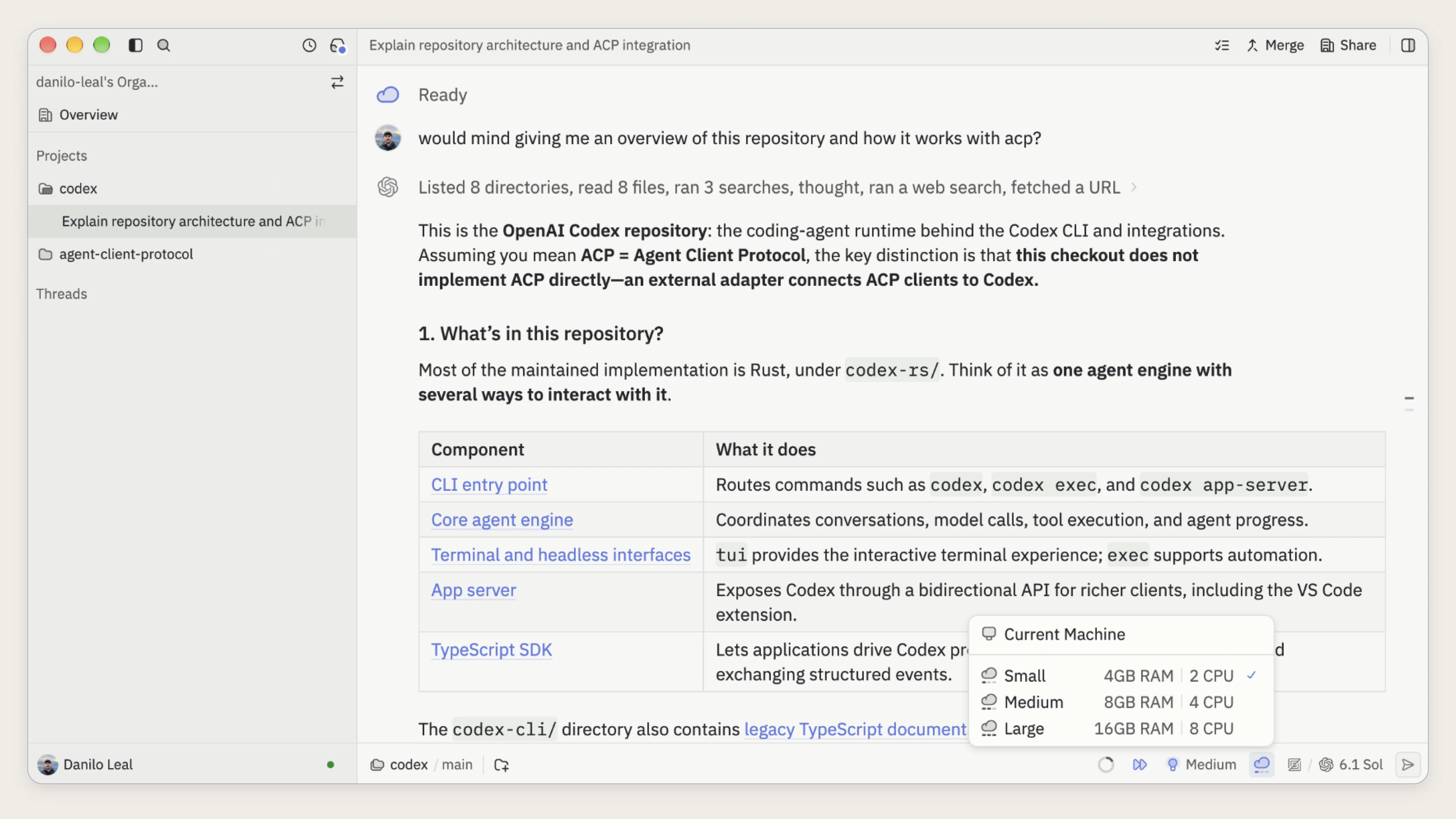
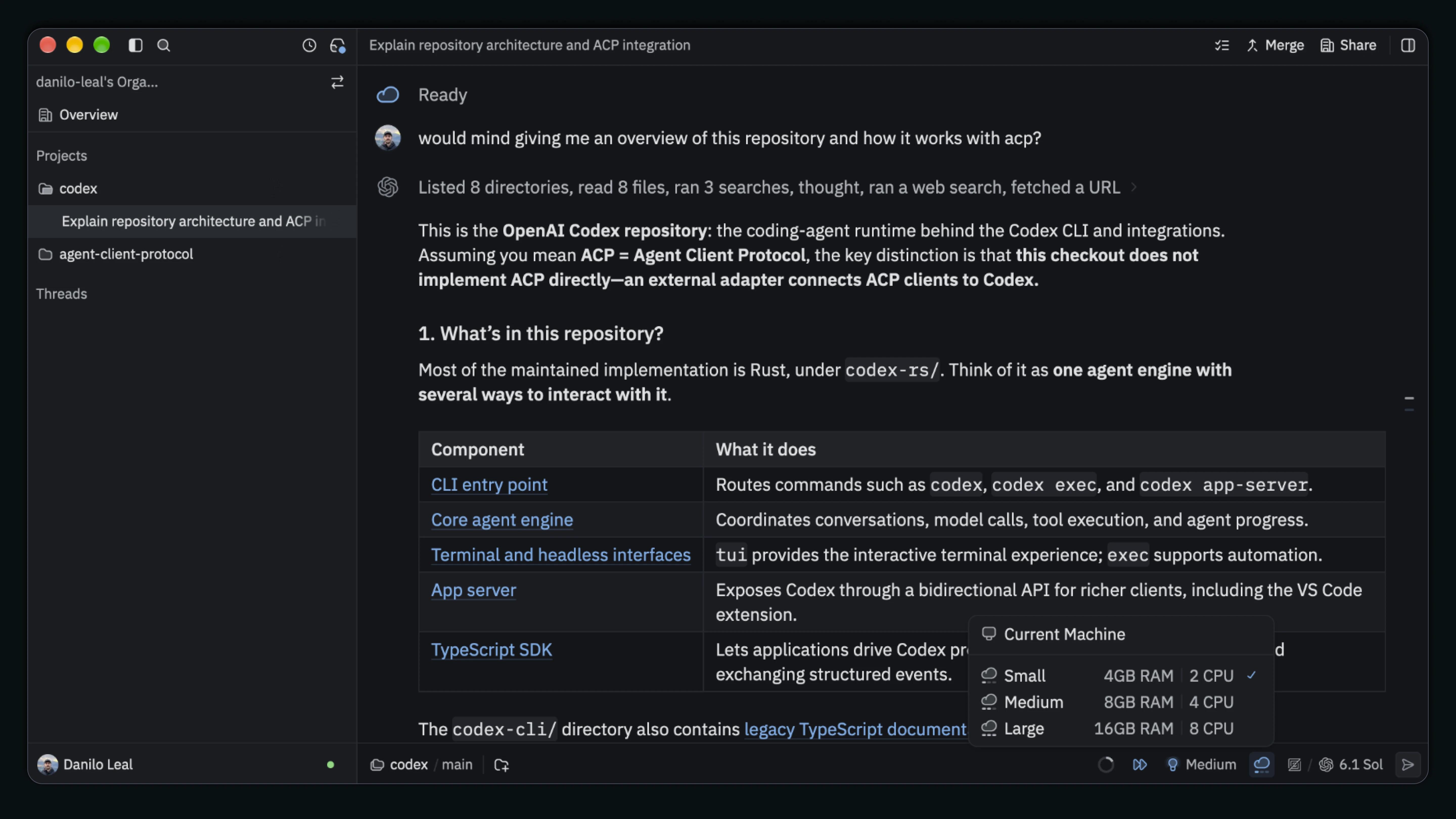
If you relied on Conductor Cloud, we’re launching Cloud Runners tomorrow. Choose Cloud on a thread and its agent runs on a hosted runner instead of your computer, with the conversation and code staying in sync across desktop, web, and phone.
Why Delta is the best home for your agent work
Code accumulates quickly when agents are involved, and the understanding behind it can fade just as fast. Your Conductor chats are a record of that understanding; don’t leave them in a tool that’s winding down. You don’t have to start from scratch. Bring them to Delta instead, so you and your agents still have that history months (or years!) from now.
Like Conductor, Delta works with whatever agent or subscription you already have, so you can change your tools and keep your context. Claude Code sessions already sync to Delta through our CLI, with support for Pi and Codex coming next. We’re also adding support for the Agent Client Protocol (ACP), so you can run many more agents directly in Delta.
The agents you use will keep changing, but the work you do should outlast every one of them. Download Delta, bring your Conductor chats over, and keep building on everything you and your agents have already learned.
