
You can now use Claude Agent in Delta through ACP with your existing Claude subscription. Sign in with your Claude account and use your plan’s included usage.
This has been our most requested feature, so we’re shipping it sooner than we normally would. We’ve been using it over the past few weeks and it’s been working well for us, but it’s still early.
Get started with Claude Agent
Update Delta, enable Claude Agent in Settings > LLM Providers, and sign in with either your Claude subscription or your Anthropic Console account. A subscription uses your plan’s included usage, and Anthropic bills a Console account as API usage. Then choose Claude Agent when starting a thread and pick the model you want to use.
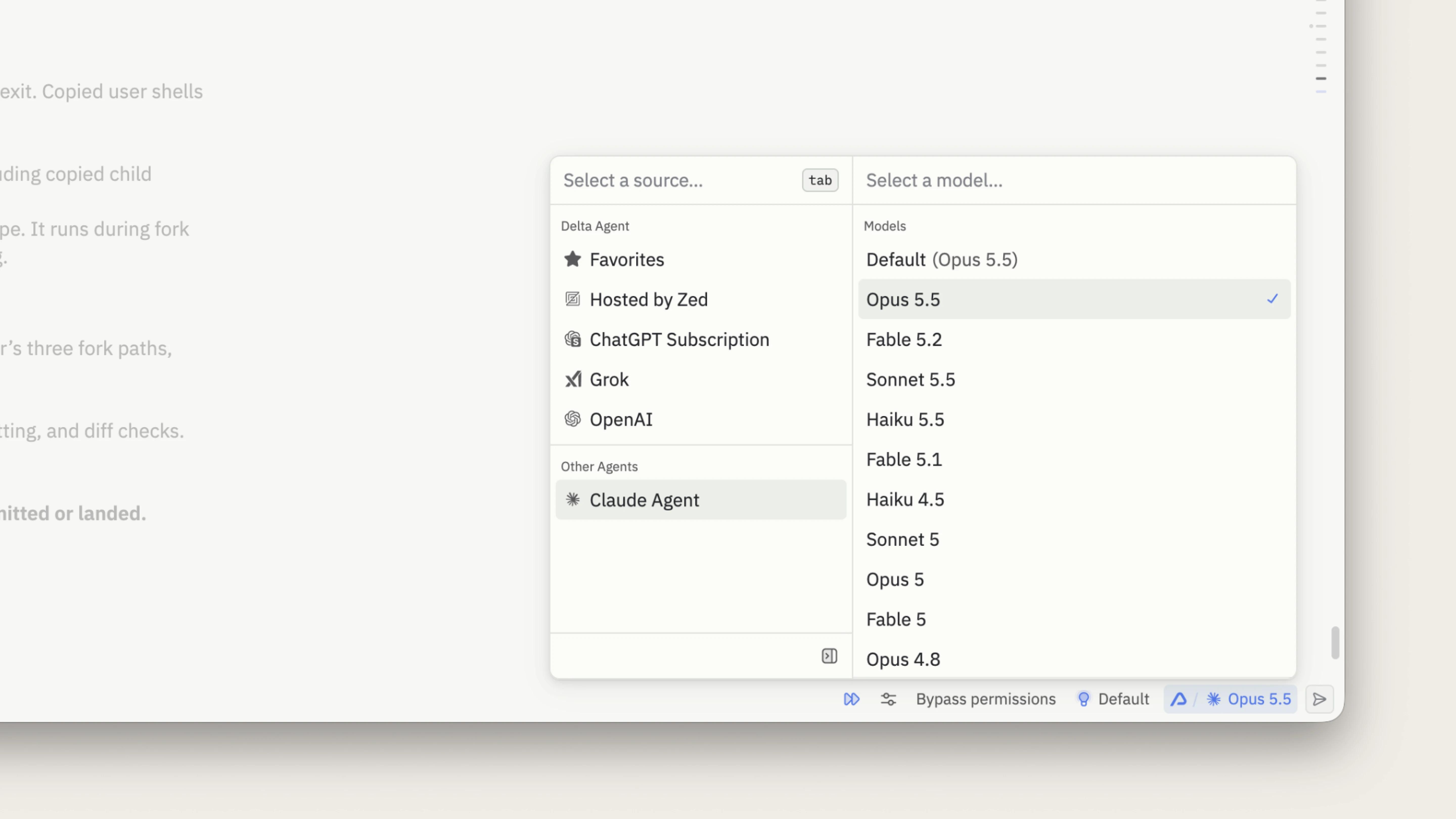
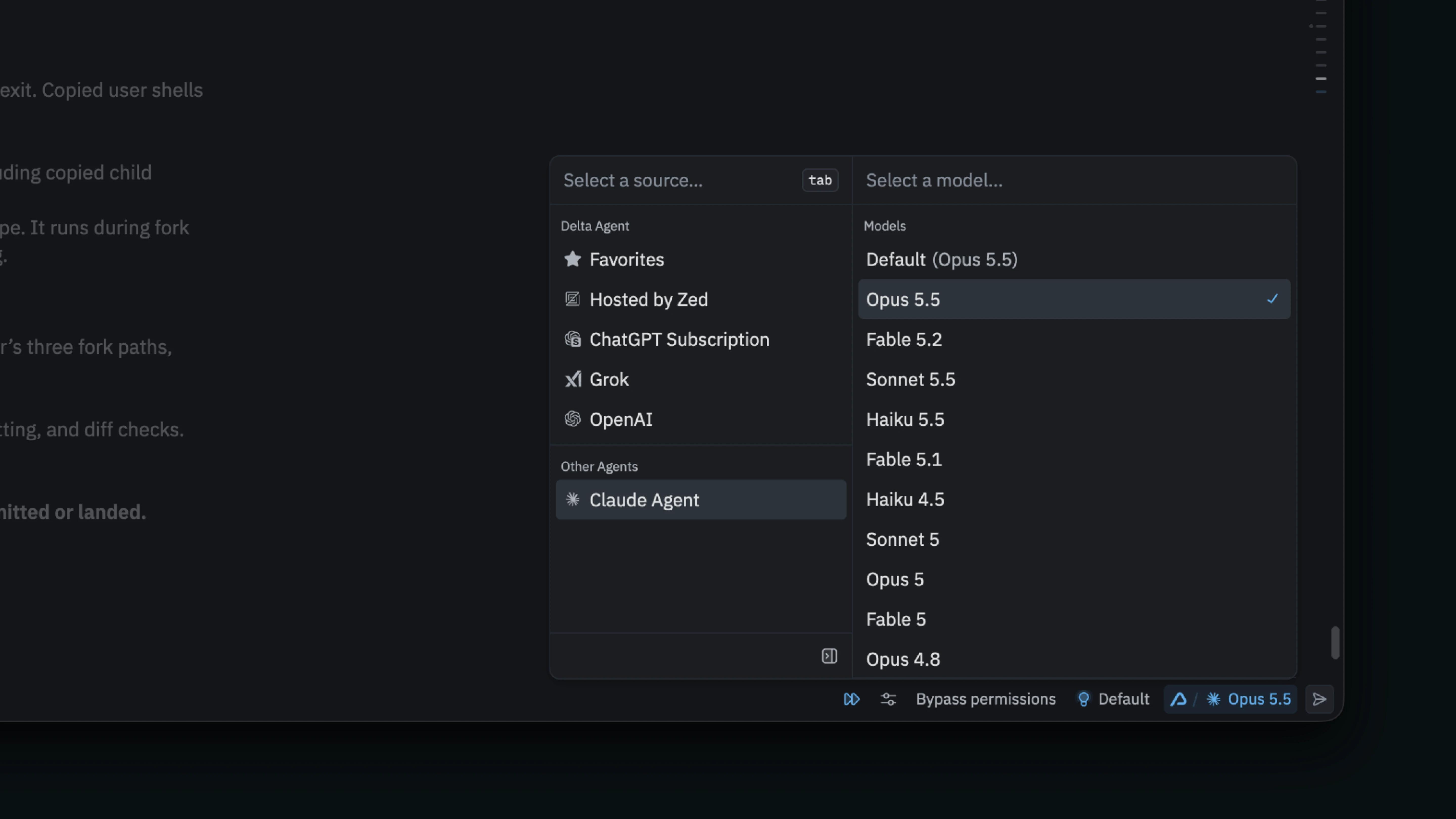
We built an ACP adapter for Anthropic’s Claude Agent SDK, which loads your skills, commands, and memory the same way Claude Code does. Delta also passes the MCP servers you’ve already configured through to Claude Agent.
If you’ve used our Claude Code plugin, you can already collaborate and store your conversations alongside your code. Now you get the same experience inside Delta, written in Rust so it edits and scrolls at 120 frames per second. You can prompt Claude Agent, inspect its changes, and review the work with a teammate live or asynchronously. You can leave comments anywhere in the code or agent thread. Delta keeps both in sync, so you can return later to see what changed and the thread behind it.
We want a thread running Claude Agent to work as well as one running Delta’s own agent. A thread keeps its context across handoffs, whether you hand it to another agent or to a teammate who uses a different one.
What’s coming next
We’re continuing to improve a few parts of the integration:
- We’re refining how Claude Agent resumes after you edit an earlier message or fork a conversation.
- Claude Agent sometimes keeps commands in the foreground, where a new message can interrupt them. We’re adding steering so you can give it guidance without stopping that work.
- Claude Agent runs locally for this release. We need to finish authentication and test more before Claude Agent can run on Cloud Runners.
If something doesn’t work as expected, run /send-feedback in Delta to open the feedback form. For questions about using Delta, type @Delta in any thread and ask Delta for help.
Bring your agent to Delta with ACP
ACP v2 let us bring Claude Agent into Delta as its first external agent. ACP v1 assumed an agent only works during a turn, but today’s agents keep working in the background. Next we’ll update our ACP adapter for Codex, and we want other agents to follow.
ACP v2 can better represent the workflows today’s agents rely on, especially background and asynchronous work. An agent can now report progress at any point, not only during a turn, and signal when it’s ready for new input. Agents can stream and revise messages, tool calls, and terminal output as they work, without resending everything. File changes and permission requests carry more detail too, so a client can show you exactly what an agent changed and what it’s asking to do.
ACP v2 is in Draft today. It moves to Preview in the coming weeks and to Stable shortly after.
External agents in Delta will need to support ACP v2. We’ll test each integration before making it available rather than expose the entire ACP registry. We want handoffs and the rest of Delta’s features to work well with whichever agent you choose.
If you maintain an ACP agent, the v2 migration guide is a good place to start, and our open source Claude Agent adapter provides a reference implementation. We welcome your questions and feedback in the ACP repository as you build. When you’d like to bring your agent to Delta, contact the Zed team.
To try Claude Agent, download Delta or update your existing installation, then sign in with your Claude subscription or Anthropic Console account.
