
It’s been an incredibly busy month for us here at Zed Industries. A central theme has been connecting Delta with the tools and workflows you already use: sharing threads through Claude Code, expanding the CLI to support other integrations, and giving agents access to external tools through remote MCP servers. We’ve also landed a handful of powerful features, such as nested subthreads and @mentions. Let’s go over these updates in a bit more detail.
Highlights
DeltaDB in your preferred tools
We heard from people who want Delta’s collaboration features in the tools they already use, so we expanded Delta’s CLI to allow for just that. Our first integration is a Claude Code plugin: share your session, and a teammate can pick up the work mid-task, from their own Claude Code session or from Delta.
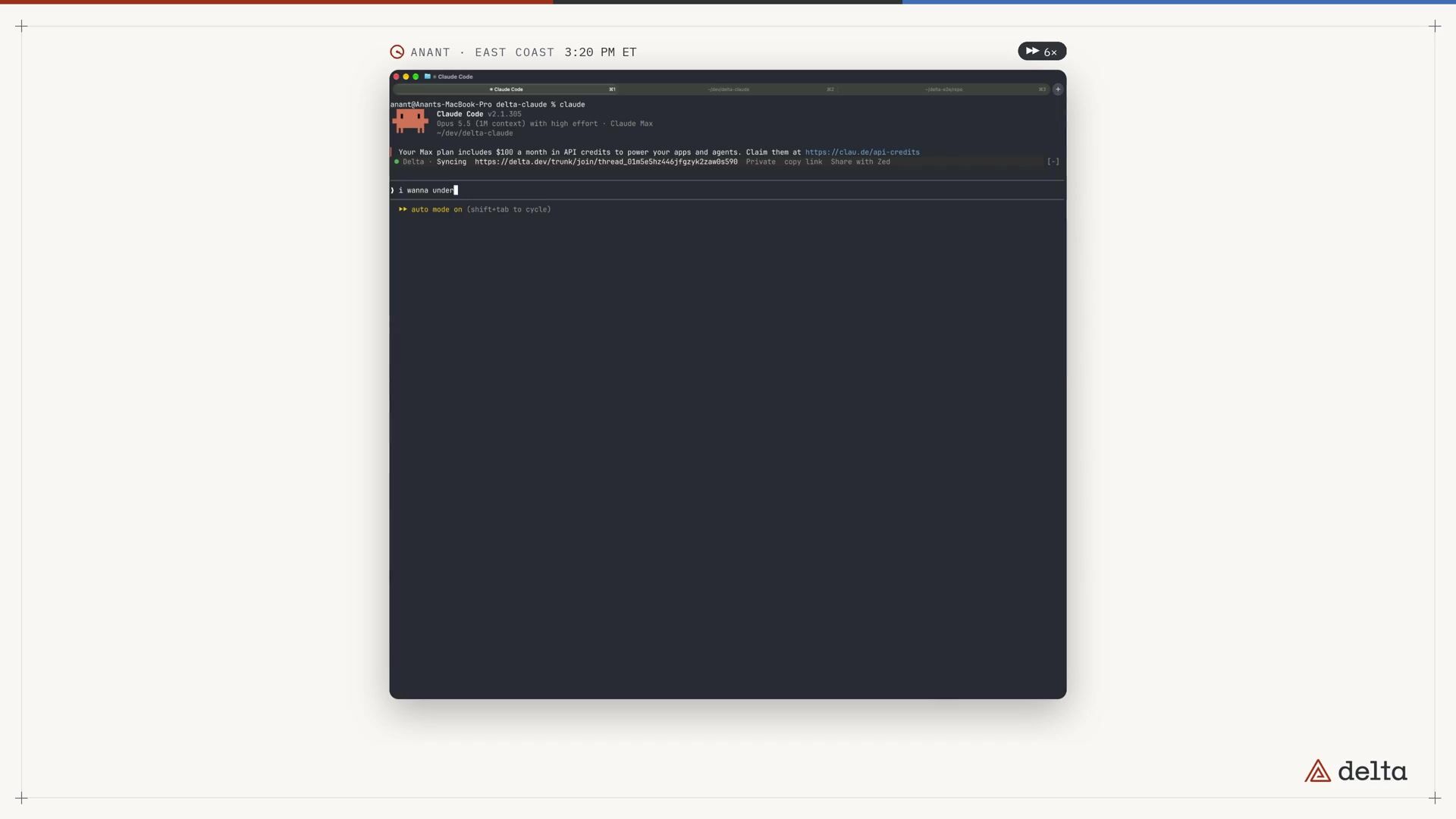
Getting set up is quick:
-
Install the plugin:
claude plugin marketplace add zed-industries/delta-claude claude plugin install delta@zed-industries -
Start a new Claude Code session, then run
/delta sharefrom your project’s Git checkout -
Send the link to your teammate
With the plugin installed, your teammate can join using /delta join <link>.
For more details, see the announcement post, or the plugin docs for the full setup and sharing guide.
NOTE
We’re working on plugins for Zed, Pi, and Codex next. If your tool isn’t on that list, you can build your own integration using the CLI.
@mentions
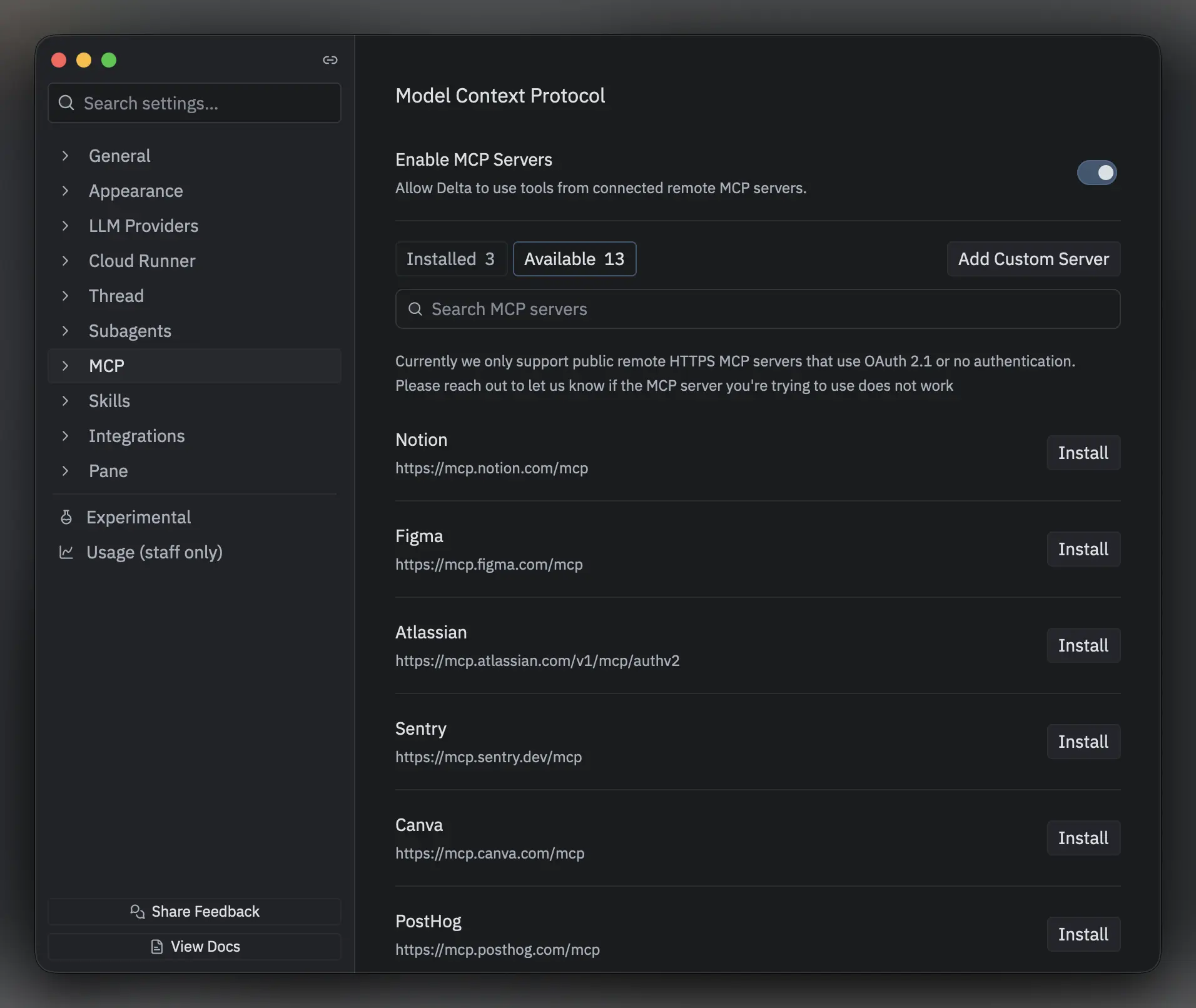
@mentions make it easy to invite teammates from your organization straight into your thread.
Type @ followed by a teammate’s GitHub username in the thread or in a comment.
They’ll receive an OS-level notification if system notifications are enabled, and the mention will also appear in Delta’s inbox so they can find it later.
Remote MCP server support
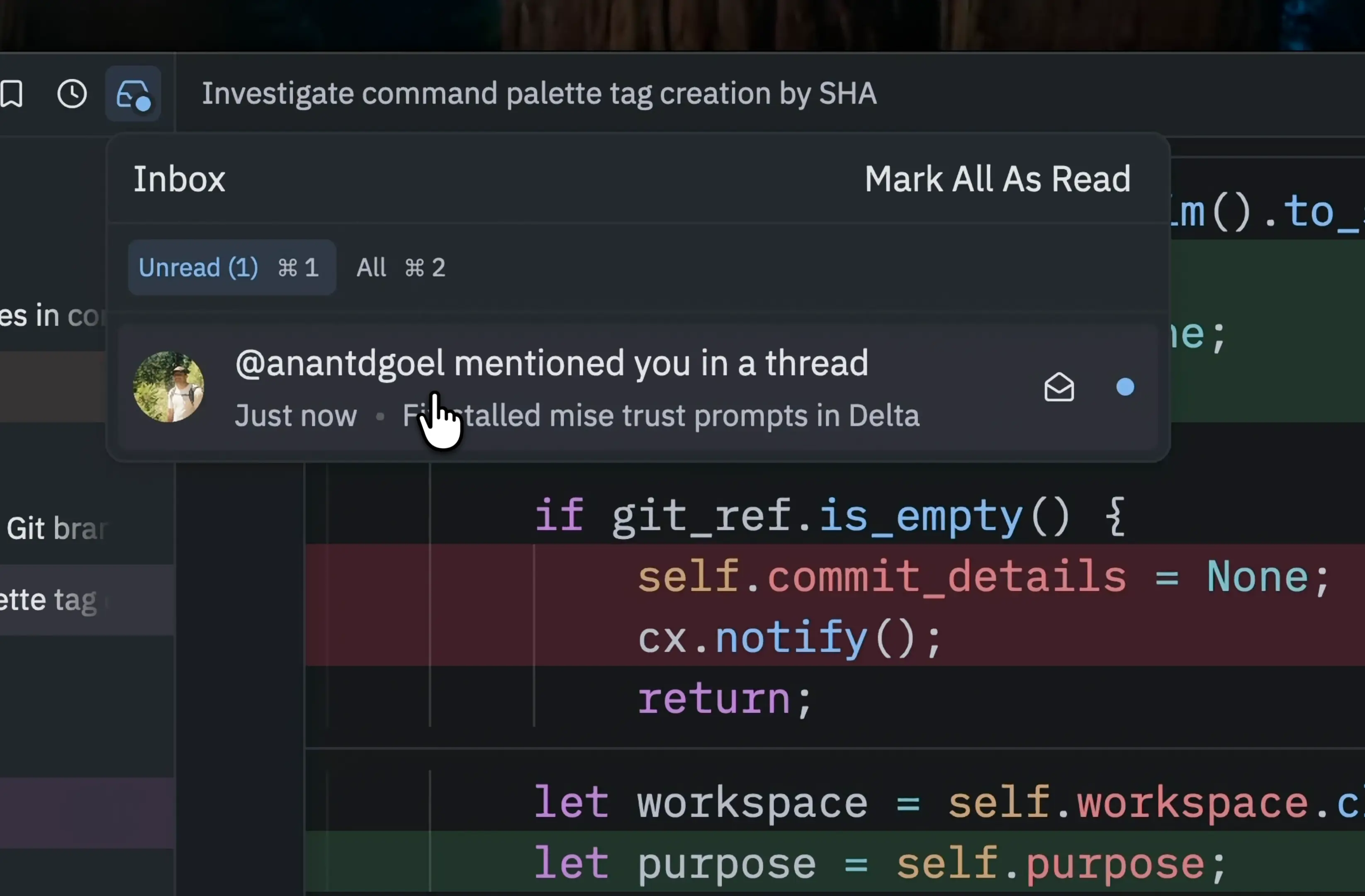
You can now connect remote MCP servers to Delta, giving your agent access to tools from the services you use.
Installing remote MCP servers is easy.
In Settings > MCP, the Available tab includes popular preconfigured servers like Figma, Linear, Cloudflare, and GitHub.
If the server you want isn’t in Delta’s catalog, you can add it via Add Custom Server in the Available tab.
Delta detects authentication requirements automatically by default, but custom OAuth configuration with your own client ID and optional client secret is also supported.
Subthreads within subthreads
Subthreads are no longer limited to one level.
You can now use /fork inside a subthread to create another, and subthreads now behave more like top-level threads: you can start a review or /land changes from inside one.
When an agent starts a subthread to delegate work, you can now talk to the agent there and steer its work.
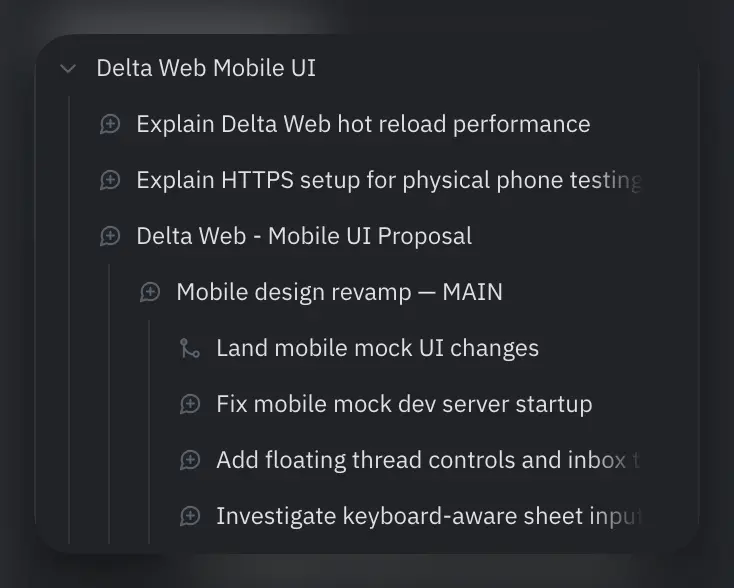
Subthreads are the perfect tool for:
- exploring different approaches to your problem
- getting up to speed on a teammate’s thread you’ve been mentioned in
- running work in parallel
… all without polluting the main thread.
To see these workflows in action, check Danilo’s subthread walkthrough or read Nathan’s account of planning and building together in Delta.
Multiple terminals per thread
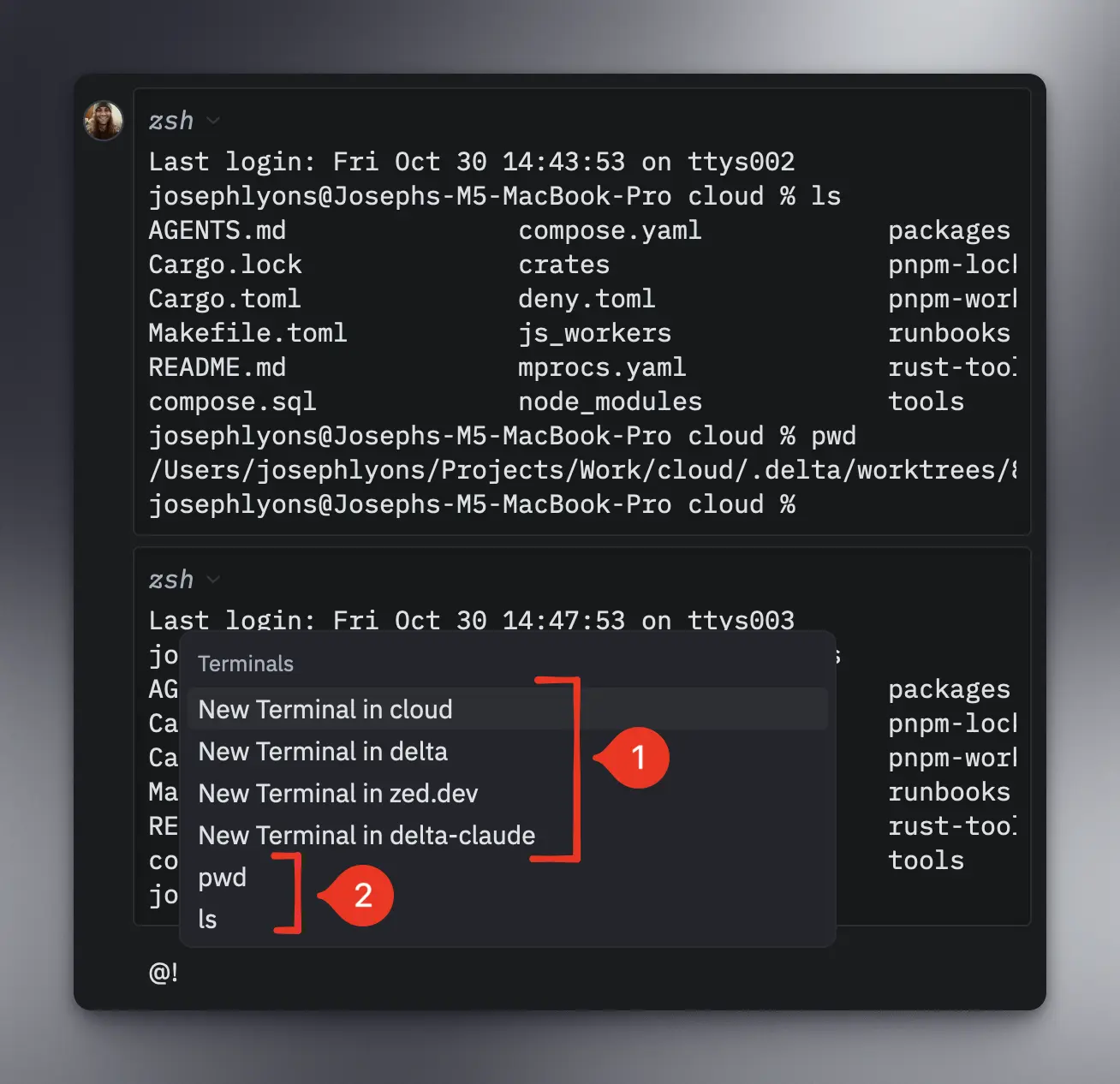
Typing ! in the message composer opens or recalls an inline terminal.
Now, @! opens the terminal picker, where you can start another session (1) or bring an existing one back inline (2).
A better Delta Web on mobile
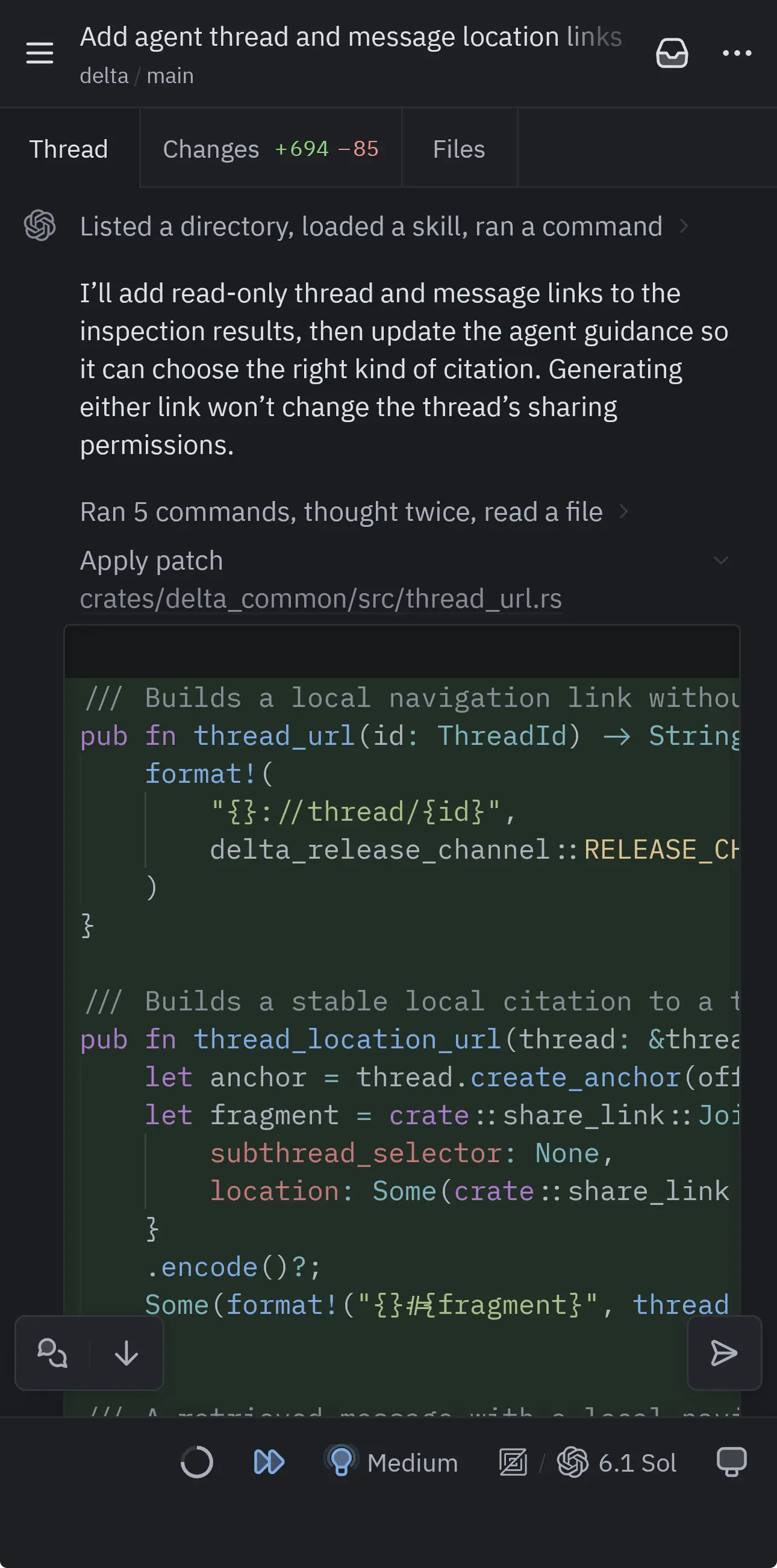
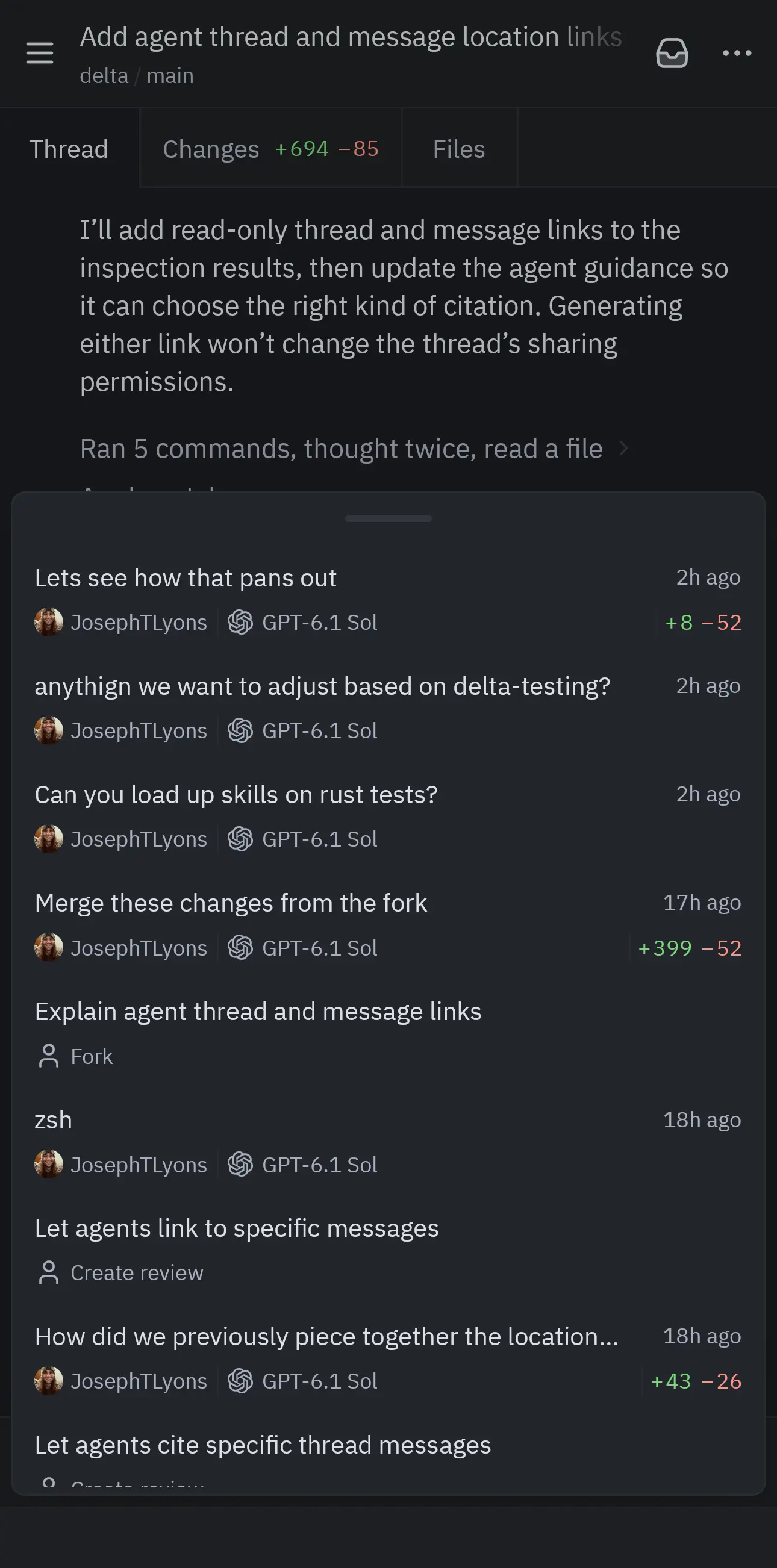
Delta Web has a new layout for mobile. A single tab bar lets you switch between your conversation, changes, files, and open documents. Thread navigation, model selection, and other controls now open in touch-friendly panels. Together, these changes should make Delta feel much smoother on mobile.
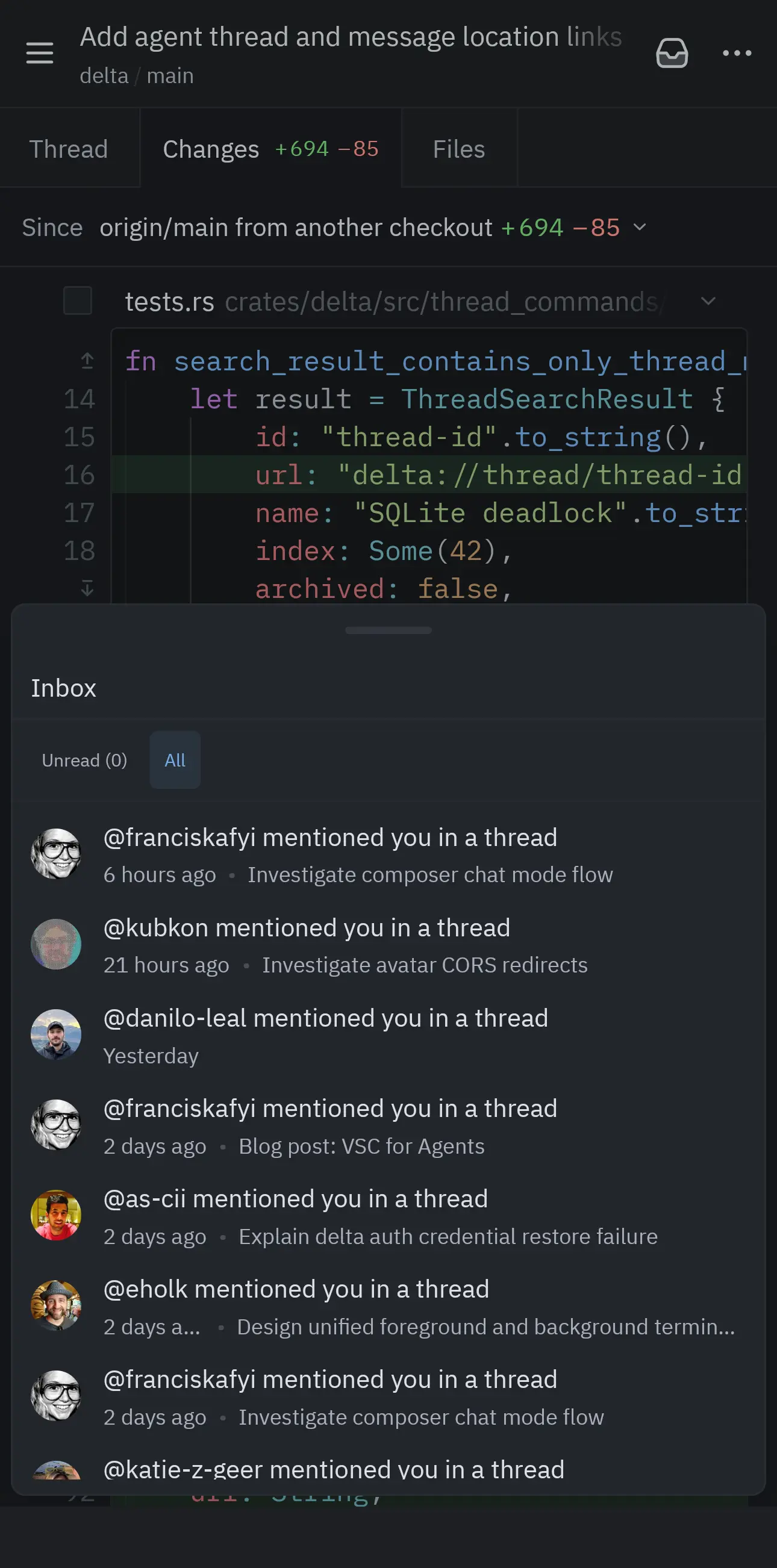
TIP
Add Delta Web to your iOS or Android home screen for quick access to your threads.
@delta, configure my settings
You can always read the settings docs when you want to tweak something, but that’s boring and not very “hip hop.”
Instead, mention @delta in your thread and ask it to make the change for you.
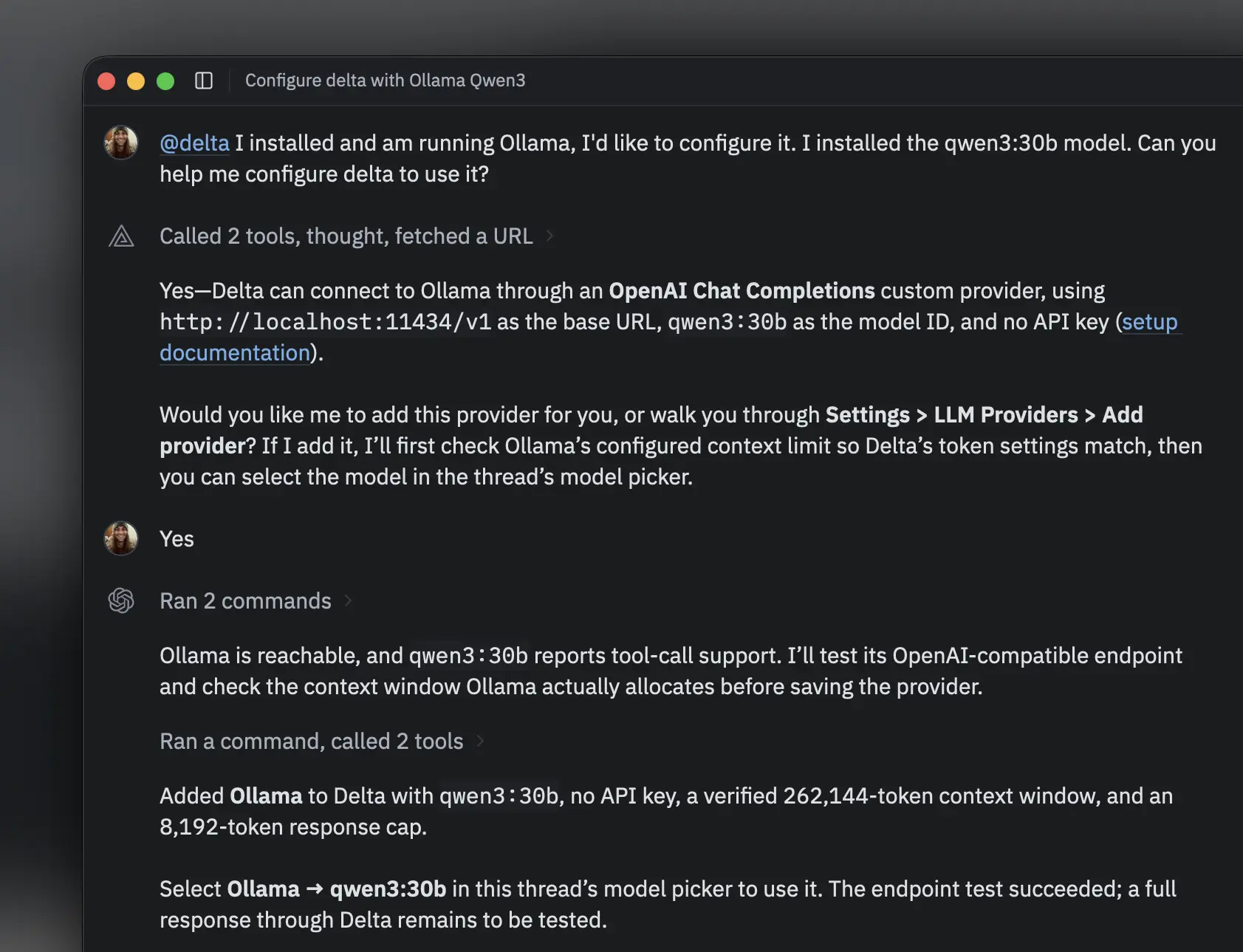
The screenshot above comes from my Ollama setup walkthrough, where I ask Delta to configure itself.
Thread colors and tags, simplified
Thread colors and tags were introduced as separate attempts to give us tools to organize our threads.
After spending some time with both, it became clear that the two had enough overlapping functionality that it made sense to merge them into one experience.
Assigning a color to a thread applies a tag named after that color by default.
To give it a custom name, open More Tags… in the thread’s right-click menu, then choose Manage Tags….
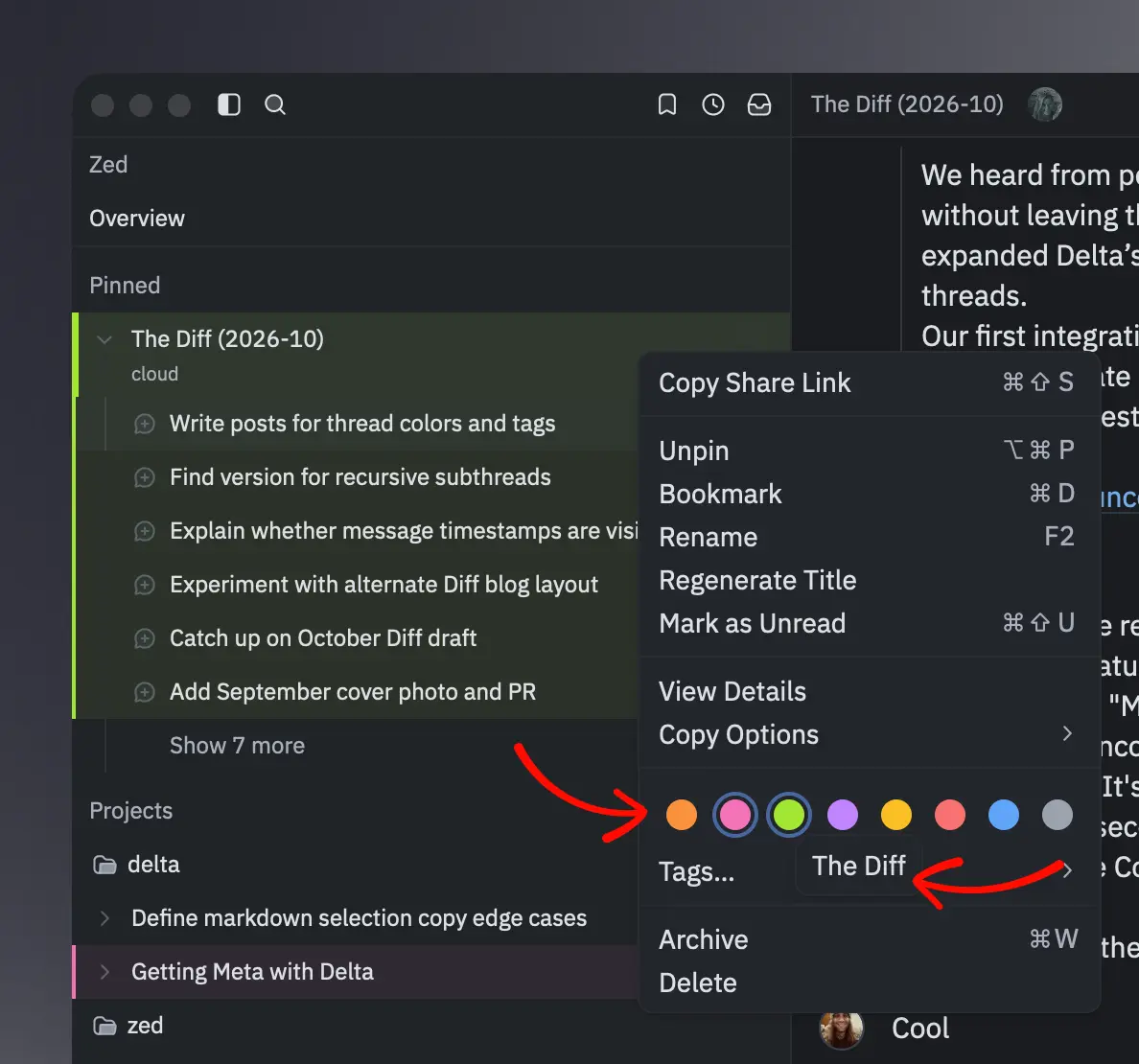
Note that subthreads no longer automatically inherit their parent thread’s color, since you may want to tag them differently.
To tag all of a thread’s subthreads at once, right-click the thread and choose Apply Tag to Subthreads.
More from this month
- Synced settings and keys: Your settings now follow your account across desktop and web. Provider API keys also sync between desktop installations.
- Share selections from files and diffs:
Copy Link to Selectionnow lets you link directly to selected text in files and diffs, as well as comments anywhere in a thread. Usecmd-opt-lon macOS orctrl-alt-lon Windows and Linux. - Better image support: Images are now better supported throughout Delta. From a thread, you can open images in tabs where you can zoom and pan. You can also copy them to the clipboard on macOS, Windows, and the web. Images pasted into comments now show previews, matching the behavior of pasting images directly in the thread.
Quality Week
Quality Week is a Zed Industries tradition that began in the Zed repository; a few times a year, we set feature work aside for a week and focus entirely on fixing bugs. This month, we brought that tradition to Delta.
We closed more than 70 issues during Quality Week. Here are a few highlights:
- More responsive diffs when reviewing files with very long lines.
- A fix for terminal programs that could freeze Delta when they stopped accepting input.
- No more flickering around blank lines in terminal output.
- Fixed settings recovery failures that could make saved preferences disappear after restarting Delta.
- Comments on deleted code now open a historical version of the file or diff where that code still existed.
Thanks to everyone who reported a bug or helped us track one down.
Keep the feedback coming through /send-feedback in Delta.
Delta at AI Engineer NYC 2026
Just this summer, at AI Engineer World’s Fair, at most, we were vaguely alluding to a new product we were building, as Delta was still heavily under wraps. Things looked and felt a bit different at AI Engineer NYC:
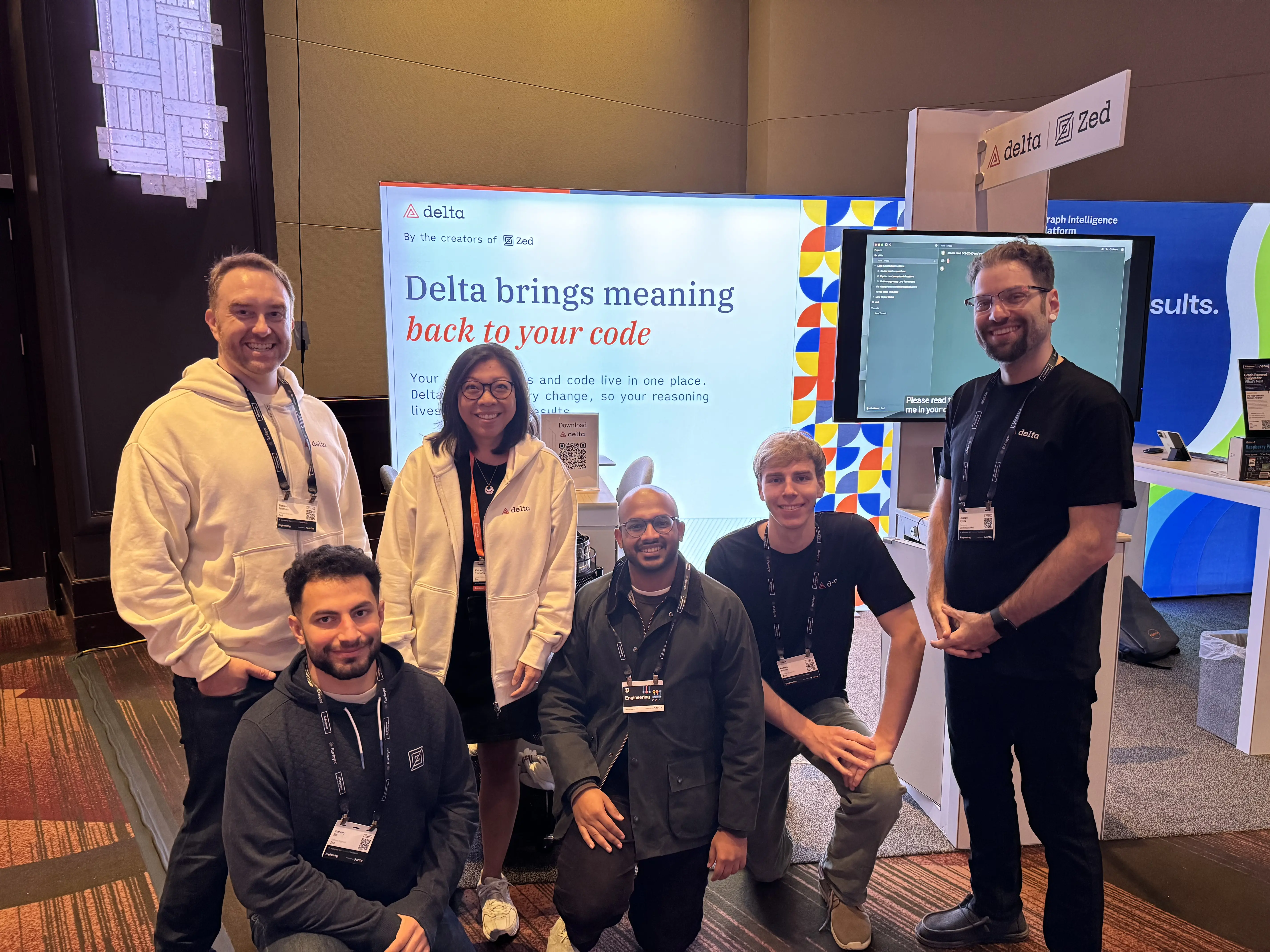
With Delta out in the wild, we knew we had to “full send” it at AI Engineer NYC: tons of Delta merch, and demos showing our day-to-day Delta usage, and how it improves our ability to effectively work with agents across the team.
These tech conferences are great; we love hearing your feedback and being able to bring it back to the team. A few themes kept coming up:
- People wanted shared conversations and code in their preferred harnesses. We’ve since expanded the CLI and built our first plugin on top of it, for Claude Code, with more integrations on the way.
- People really loved commenting directly on agent replies! Nice! We’ve been loving it too! 🔥
These conferences are draining on the body and hard on the voice, but it’s always an honor to talk face to face with people who use our tools or simply want to learn more about them.
Here are some more moments from our time in NYC:
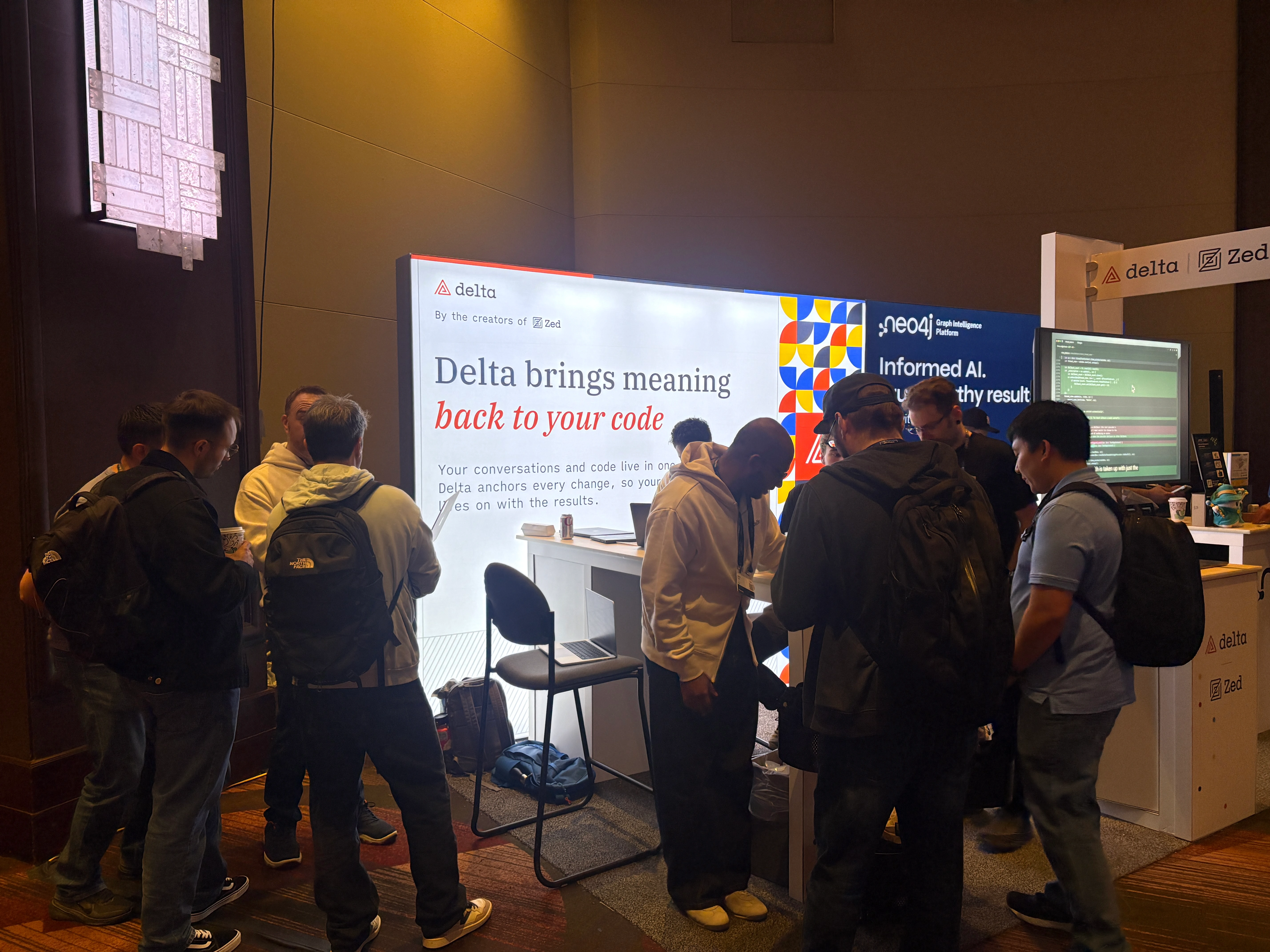
The Zed team demoing Delta for a group of people
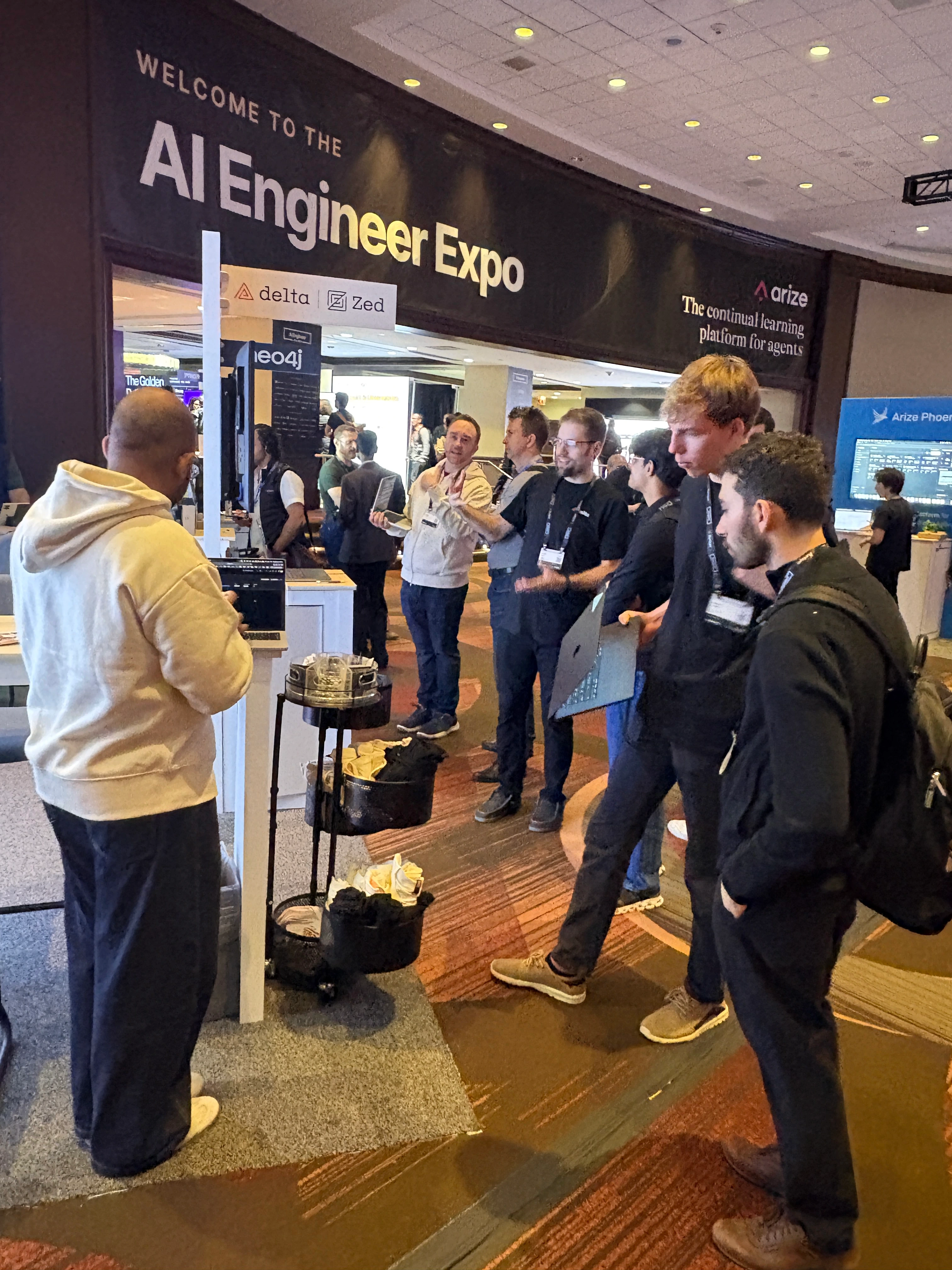
The Zed team demoing Delta for another group of people
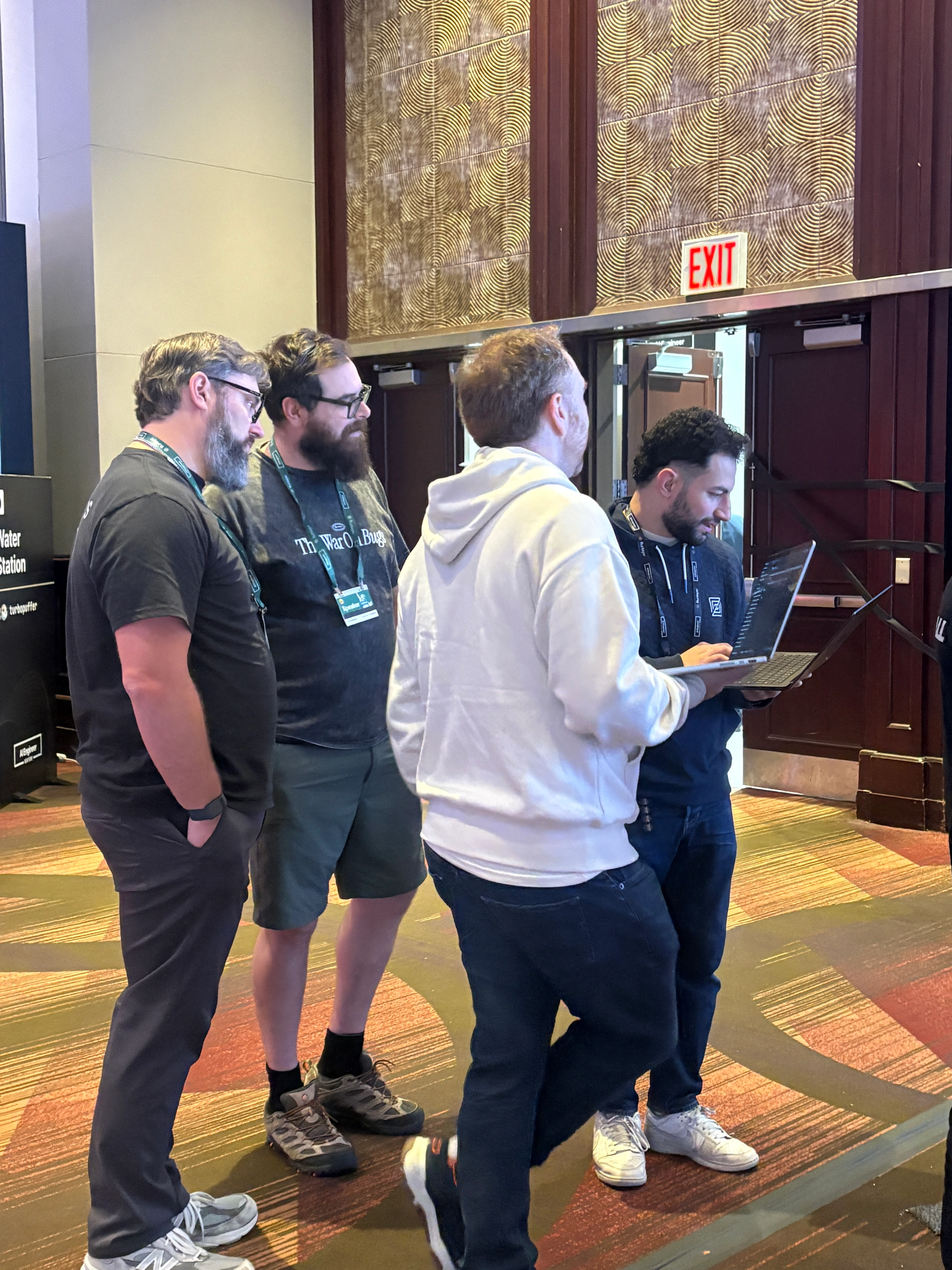
Anthony and Richard demoing Delta for WorkOS folks (hi Nick and Zack 👋)
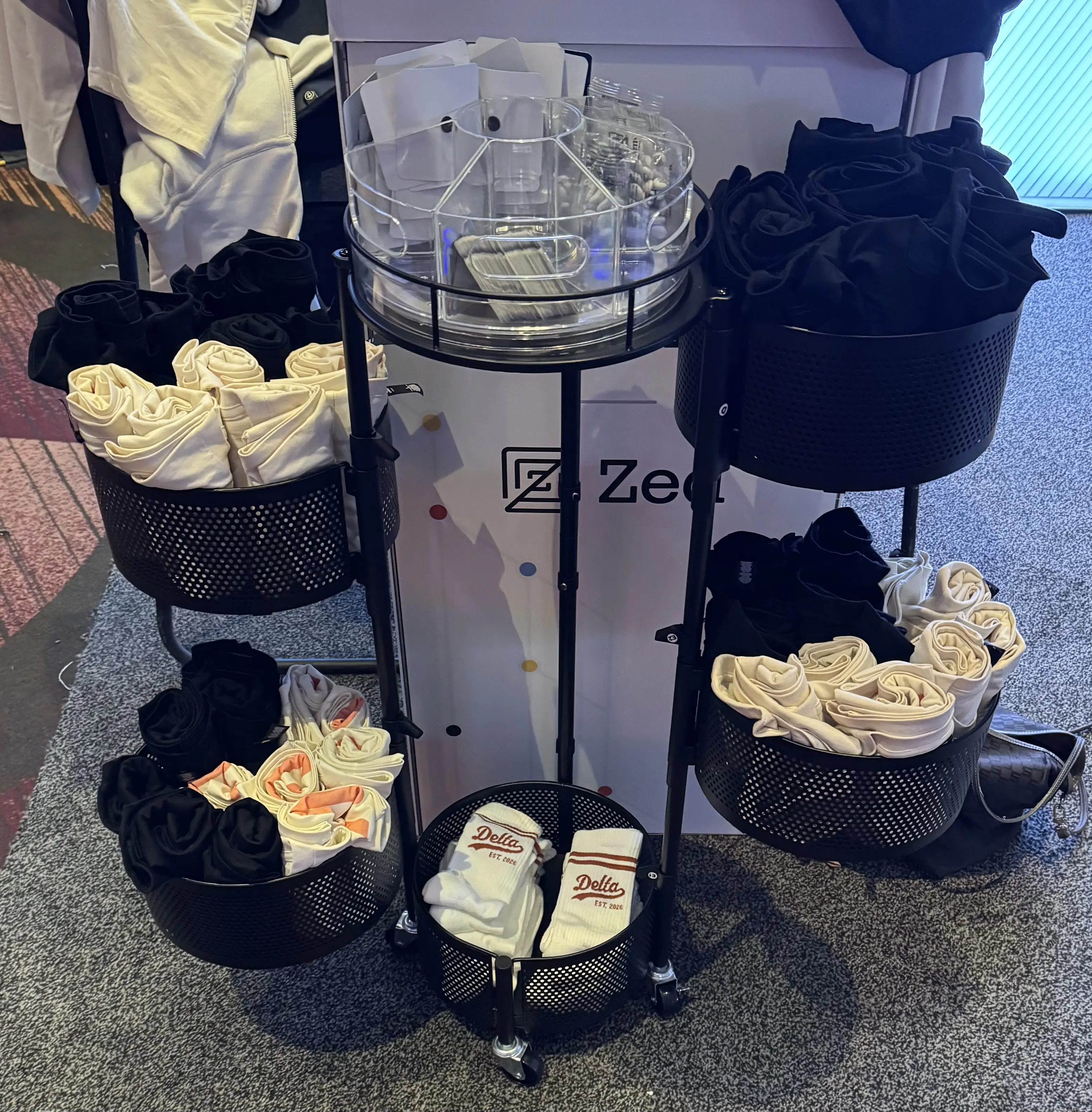
Zed's merch setup (the baseball socks were a 'grand slam!' ⚾)
Shoutout to Esther, Kasey, Danilo, and Franciska for killing it with the merch and booth setup.
Further reading
- Antonio digs into building fine-grained version control with Rust and Cloudflare Durable Objects. If you’re looking for a deep dive into DeltaDB’s architecture, from SQLite storage and synchronization to keeping the UI responsive, this is the one to read.
- Conrad explains how DeltaDB merges concurrent edits, walking through how changes made in parallel resolve consistently and how earlier versions are stored efficiently.
- In Escaping the tyranny of worktrees, Conrad explains how Delta worktrees differ from Git worktrees, with practical advice on preparing your project for parallel agents.
- Franciska shares how working with her team and agent in the same thread means no more copying drafts into Google Docs for review, then pasting feedback back into Claude.
Wrapping up
That’s it from us in this month’s edition. If you’re curious about what’s to come, here’s a quick preview:
- DeltaDB integrations for Zed, Pi, and Codex, so you can collaborate through shared threads without leaving your preferred tools.
- ACP support, so you can use other harnesses within the Delta app.
- Cloud Runners, allowing your agents to run independently of your local machine’s availability.
- More ways to discover threads shared with your team or organization.
- Syntax highlighting for many more languages, powered by Zed’s extension ecosystem.
- Repository-level context, a way to trace code back to the conversations that produced it. More on this soon!
We’re incredibly stoked about this work and can’t wait to bring it to you. See you in November! 🍂🦃🥧

